Mac
Apple Silicon · macOS 13+
- AU, VST3, and standalone app
- Six circuits and eight faders
- Ad-hoc signed; not notarized or host-validated
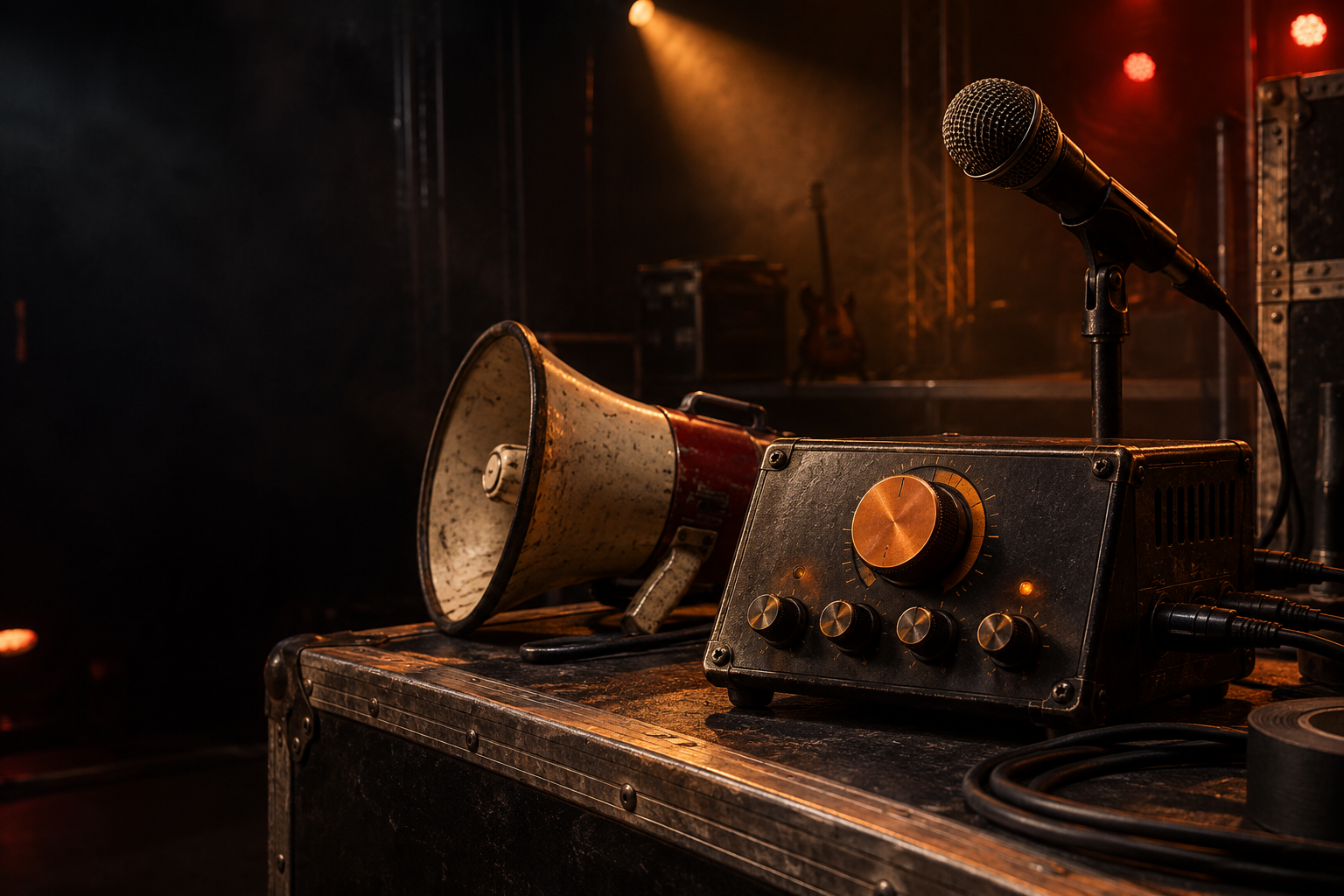
FORGE Multimedia Group LLC / PERFORMANCE VOICE EFFECT
BarkerBox is a megaphone and PA voice effect plug-in for music, video, and live performances. Get megaphone bite, old ceiling-speaker haze, and midway-barker grit—shaped for a real microphone and a loud room.
Interface preview · Eight real-time faders and a license-strip design preview in the development builds
SIX PRESETS. ORIGINAL → BARKERBOX.
Hear the original voice, then the same line through BarkerBox. The recall-style buttons let you compare each sound directly. The cow also has a full scene with its moo and reply. Start with your volume low; choosing another button stops the previous sample.
Playback levels are trimmed for comparison. These are prepared examples from edited source recordings—not live browser processing. The Overhead PA version adds a cabin chime; the full cow scene adds sound effects and a second voice. After purchase, dial in the native plug-in or standalone app with eight sound controls.
SIX VOICE CIRCUITS
Six deliberately larger-than-life voices, from handheld horn to a cheesy movie ballpark PA. Select a circuit to see its tone settings, then fine-tune those same controls in the native builds.
Interface preview only. These eight faders and six circuit buttons correspond to controls in the native plug-ins; the website itself does not process audio.
Make it yours — $19 early accessNATIVE EARLY ACCESS / 0.7.2
Put a carnival midway, a crackly school announcement, or a movie-ballpark voice behind your microphone. Mac, Windows, and Linux packages include a standalone live app and native plug-in formats, with eight real-time faders including Distortion and Reverb.
THREE NATIVE BUILDS / 0.7.2
One $19 early-access purchase includes all three operating-system packages. Windows and Linux automated audio-engine tests pass; real-world host and audio-hardware compatibility remains unverified. Please review these beta limits before purchasing.
Apple Silicon · macOS 13+
x64 development build
x64 development build
This is early access, not a finished retail release. AU is Mac-only. Windows and Linux do not include AU. Paid packages are delivered through Gumroad, not a public website download folder.
STANDALONE / ALL THREE SYSTEMS
Open BarkerBox as its own app on Mac, Windows, or Linux. Connect a microphone or audio interface, choose a voice, and route the processed sound to your interface output, speakers, or mixer. Built for experimenting, rehearsals, announcements, and live-performance setups.
Mac: Apple Silicon, macOS 13+. Windows and Linux: x64. Test your audio hardware before a show; Windows/Linux real-world audio-interface validation is still pending.PLUG-IN / INSIDE YOUR AUDIO HOST
Load BarkerBox as an effect in compatible recording or live-host software to process a vocal track or microphone input. Your host handles audio routing, recording, and the mix.
Mac: AU and VST3. Windows: VST3. Linux: VST3 and LV2. Host compatibility varies; Windows/Linux DAW validation is still pending.INSTALLATION / EARLY ACCESS
Each 0.7.2 package includes its operating system’s formats and an installation guide. Install only the formats you need. See the package guide for Windows and Linux paths and dependencies.
Use the file link in your Gumroad receipt or library. Your browser saves the package to Downloads, or asks where to save it if you have that preference enabled. On Mac, move BarkerBox.app to Applications, the AU component to ~/Library/Audio/Plug-Ins/Components/, and VST3 to ~/Library/Audio/Plug-Ins/VST3/. Mac requires Apple Silicon and macOS 13 or later.
This beta is ad-hoc signed and is not notarized by Apple. If macOS blocks the standalone app, open System Settings → Privacy & Security, find the BarkerBox warning, choose Open Anyway, then confirm. Only do this if you trust the download. Keep Gatekeeper enabled. Apple’s instructions
Allow microphone access when prompted. Choose your audio interface as the Mac’s default input and output device before launching BarkerBox.
The new beta starts armed, with −12 dB output trim. Lower the physical mixer or speaker level before opening it, then choose a voice and adjust the faders. Click Live Output On to mute, or press Escape for panic mute when BarkerBox has keyboard focus.
FORGE Multimedia Group LLC / LICENSING
During early access, your BarkerBox Gumroad receipt is your proof of purchase. Keep it for downloads and support. One purchase includes the Mac, Windows, and Linux packages.
The in-plug-in email-and-serial strip is a design preview only. Activation and serial verification are not enforced in this beta; no working activation service is being promised.
The same FORGE email-and-serial layout, with BarkerBox’s own product identity. Activation is disabled until a real checkout and verification service are connected.
FORGE Multimedia Group LLC / EARLY-ACCESS CARE
BarkerBox is a beta: you may encounter bugs, host incompatibilities, or changes between releases. We want reports from real sessions and will publish tested fixes as they are ready. Early access is not a promise that every setup is already supported.
Reply to your Gumroad receipt or email support@forgemultimediagroup.com. Include your operating system, audio host and version, BarkerBox version, plug-in format, steps to reproduce, and what happened. Never send a private project or audio without choosing to share it.
Find version information and known issues in our release notes. Keep your Gumroad receipt for updated downloads. Buyer-email notifications are being prepared; no automatic in-plug-in update feed is active.
Reply to your receipt with the voice you used and how your project came out. If you want a feature, review, clip, or quote shared publicly, say so explicitly; FORGE Multimedia Group LLC will ask for separate approval of the exact material before posting it.
The $19 purchase is for early-access software. Review the formats and beta limitations first. Change-of-mind refunds are not offered after files are delivered or accessed. Qualifying delivery failures, duplicate charges, material differences from the listing, or substantial failures on an advertised supported setup are reviewed manually when a reasonable fix or workaround is unavailable. Rights required by law and Gumroad or payment-provider decisions still apply. Read the full policy at checkout.
BarkerBox does not report your project names, audio, mix exports, or usage to FORGE Multimedia Group LLC. We cannot determine whether a sound was used in a final mix. No background usage tracking is part of this beta.
QUICK ANSWERS
First check the package and plug-in format for your system. If the issue persists, reply to your purchase receipt with the details above. We will investigate, offer a tested fix or workaround when possible, and review a refund request if the advertised product materially cannot be used in your stated setup.
We intend to prioritize reproducible defects and publish tested replacements through the buyer download and release notes. Update scope and timing will be stated on the final product listing; no automatic in-plug-in update feed is active yet.
Only with your separate permission for the specific quote, clip, credit, and channels. A bug report or story submission alone is not permission to publish it.
FORGE Multimedia Group LLC / EARLY ACCESS
Six larger-than-life voices. Eight faders. One $19 purchase for Mac, Windows, and Linux. Choose your voice, make some noise, and help shape what comes next. Review the early-access limitations before buying.
One-time early access. No subscription. Version 0.7.2. Payment and protected downloads are handled by Gumroad, not this website.
No change-of-mind refund after access. Qualifying delivery or material-failure issues are reviewed manually; legal and payment-provider rights still apply. Read the full guidance.
Mac AU/VST3/standalone · Windows VST3/standalone · Linux VST3/LV2/standalone